Advertising disclosure: This page contains Coupang Partners affiliate links. I may receive a commission when you make a purchase through these links.
Hello! A warm welcome to all the moms and dads enjoying another day with their children!
Do you remember the must-have parenting automation app I introduced last time? Many parents related to the sight of a child staying focused while turning the pages independently. 👇

Today, I have the second story in the series—a situation almost every parent has faced at least once in real life.
It is that moment when you realize, “Oh, today they brought an English book. 😅”
Can you already feel the panic setting in just from the title? Let’s watch a short clip first.
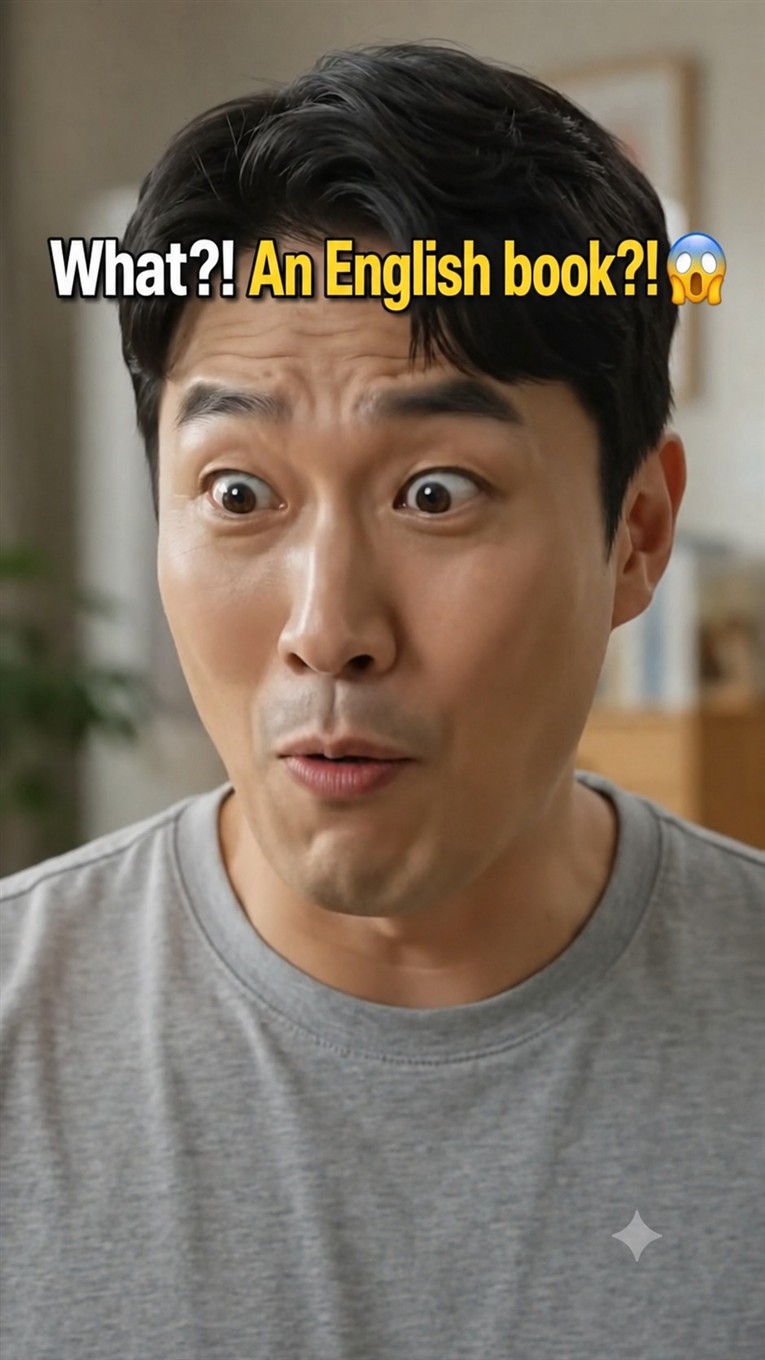
“Pick Any Book”—But Why That One?!
It is an ordinary moment at the bookshelf: Dad tells his child, “Pick any book you like,” and lets them choose freely. 🥰
But after passing rows of Korean books, the child’s hand stops in the English picture book section!
That instant reaction: “Uh, uh, uh…” 😂
We are not native speakers, and reading an English book aloud can make us tense up and start sweating before we even begin. That is the honest reality for many parents, isn’t it?
Some books come with native-speaker audio, but we tend to look it up only at first. Once the files and links become difficult to manage, it is often impossible to find the right recording when we actually need it.
Fortunately, we have our smartphones for moments like this.
Fortunately, We Have LazyDaddy
Dad was only flustered for a moment because he had something he could rely on: the same parenting automation app I introduced last time.
The book our child chose was an English Peppa Pig book, featuring one of the world’s most popular children’s characters. Interestingly, Peppa Pig is called Pipsa Possu here in Finland.
As soon as Dad opened the app and pointed the camera at the book, a polished native-speaker-style voice began reading aloud! 📢
“I’m Peppa Pig. This is my little lovely sunny day…” 🐷
“Peppa and George are playing outside at Granny and Grandpa Pig’s house.”
Peppa Pig Books to Read Together
Now that pronunciation feels less intimidating, how about choosing an English book to enjoy with your child?
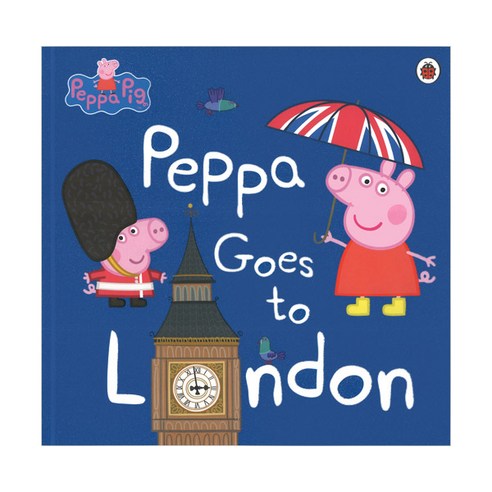
Peppa Goes to London
Peppa Loves Doctors and Nurses
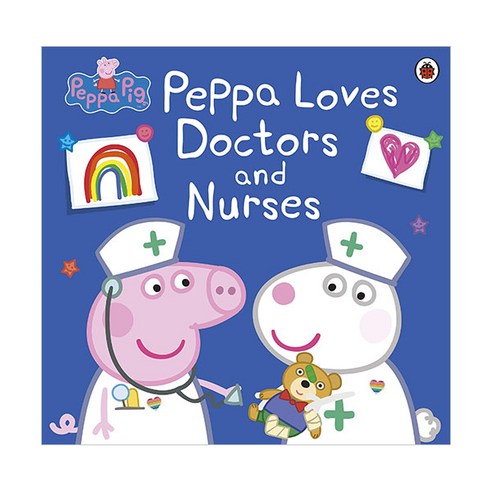 Peppa Loves Doctors and Nurses
A Peppa Pig picture book about doctors and nurses.
link.coupang.com ↗
Peppa Loves Doctors and Nurses
A Peppa Pig picture book about doctors and nurses.
link.coupang.com ↗
Peppa’s Zoo Adventure
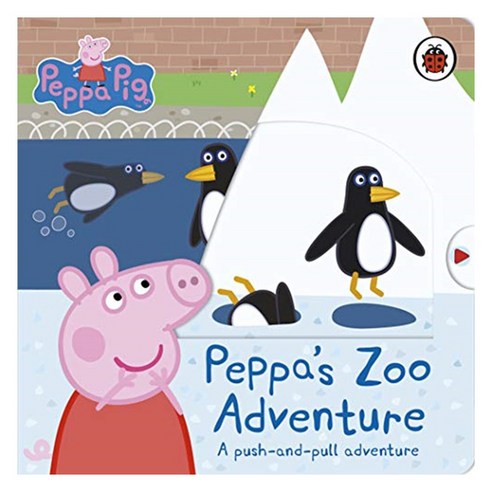 Peppa’s Zoo Adventure
An English book about Peppa Pig’s adventure at the zoo.
link.coupang.com ↗
Peppa’s Zoo Adventure
An English book about Peppa Pig’s adventure at the zoo.
link.coupang.com ↗
Peppa Pig: Mermaids, Unicorns and Dragons
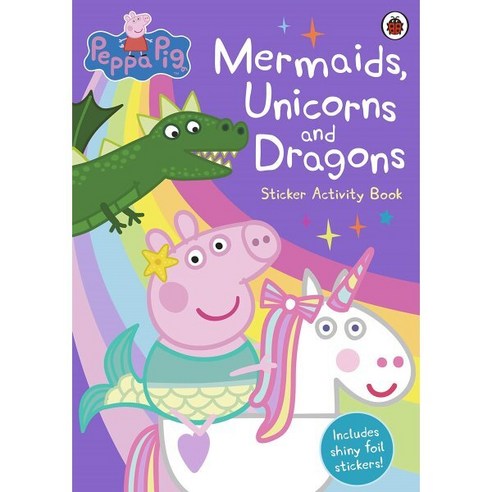
When Your Child Asks for an English Book, Open LazyDaddy
When your child says, “Dad, read this,” LazyDaddy is ready to help. Find it now on Google Play.
All features are currently available free without limits during the initial launch period.
#ParentingTips #EnglishHomeschooling #EnglishPictureBooks #PeppaPig #LazyDaddy #ParentingAutomation #EnglishReadingAtHome #ReadingWithDad #EnglishBooks #ReadAloudApp