Take a look at the storybooks filling your shelves at home. These days, many families have both Korean and English books.
But the books children love and ask for again and again are often the familiar Korean ones, aren’t they?
What if you could read those familiar stories in English? The story would feel fresh to your child while helping English become a natural part of reading time.
How to Turn a Korean Storybook into an English Read-Aloud
The LazyDaddy Android app makes this possible.
First, choose your child’s favorite storybook.
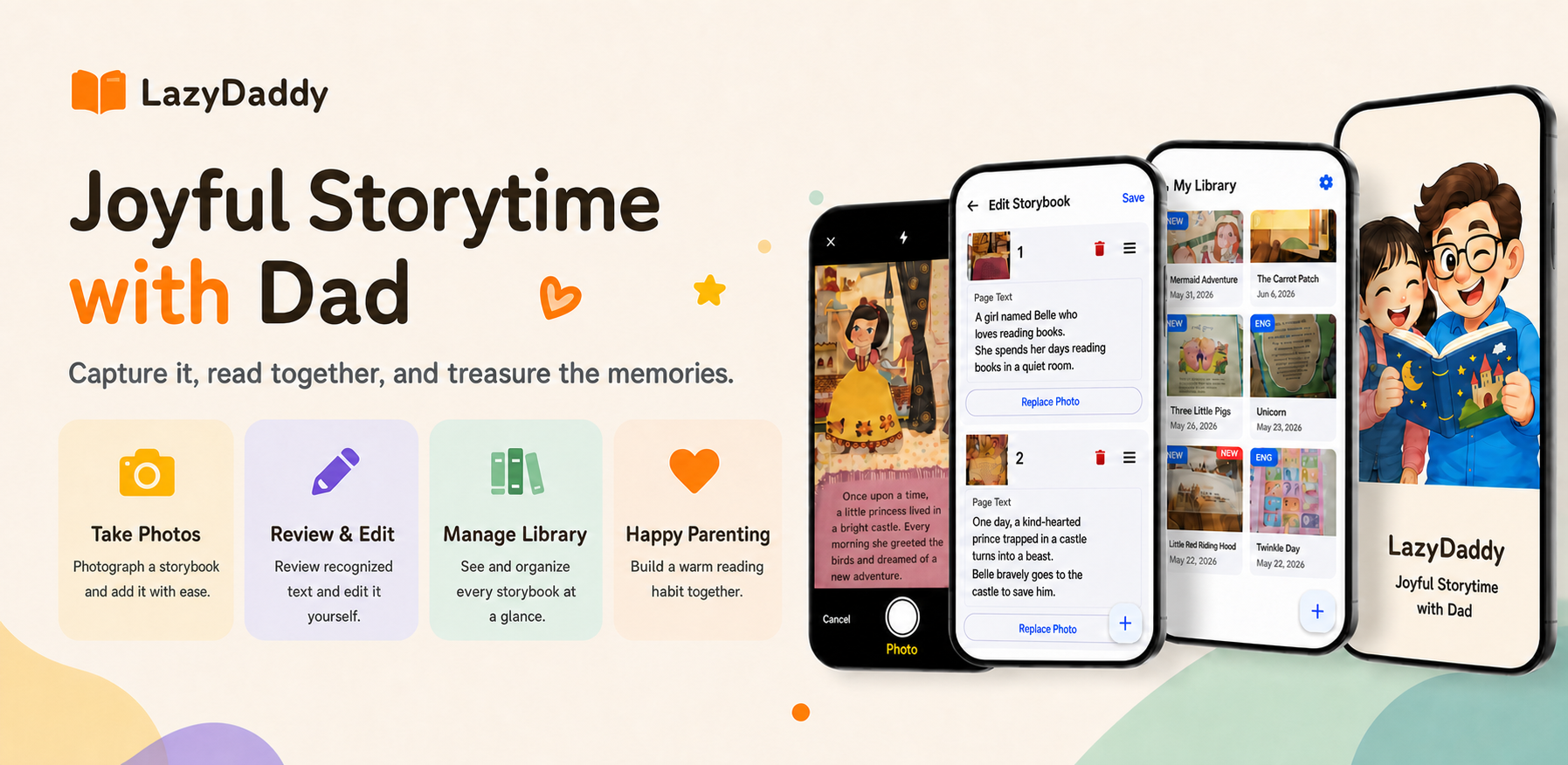
- Take a picture of the book page. Focus on the text so your child can turn the pages.
- Tap Create to generate Korean audio and hear the book read aloud in Korean.
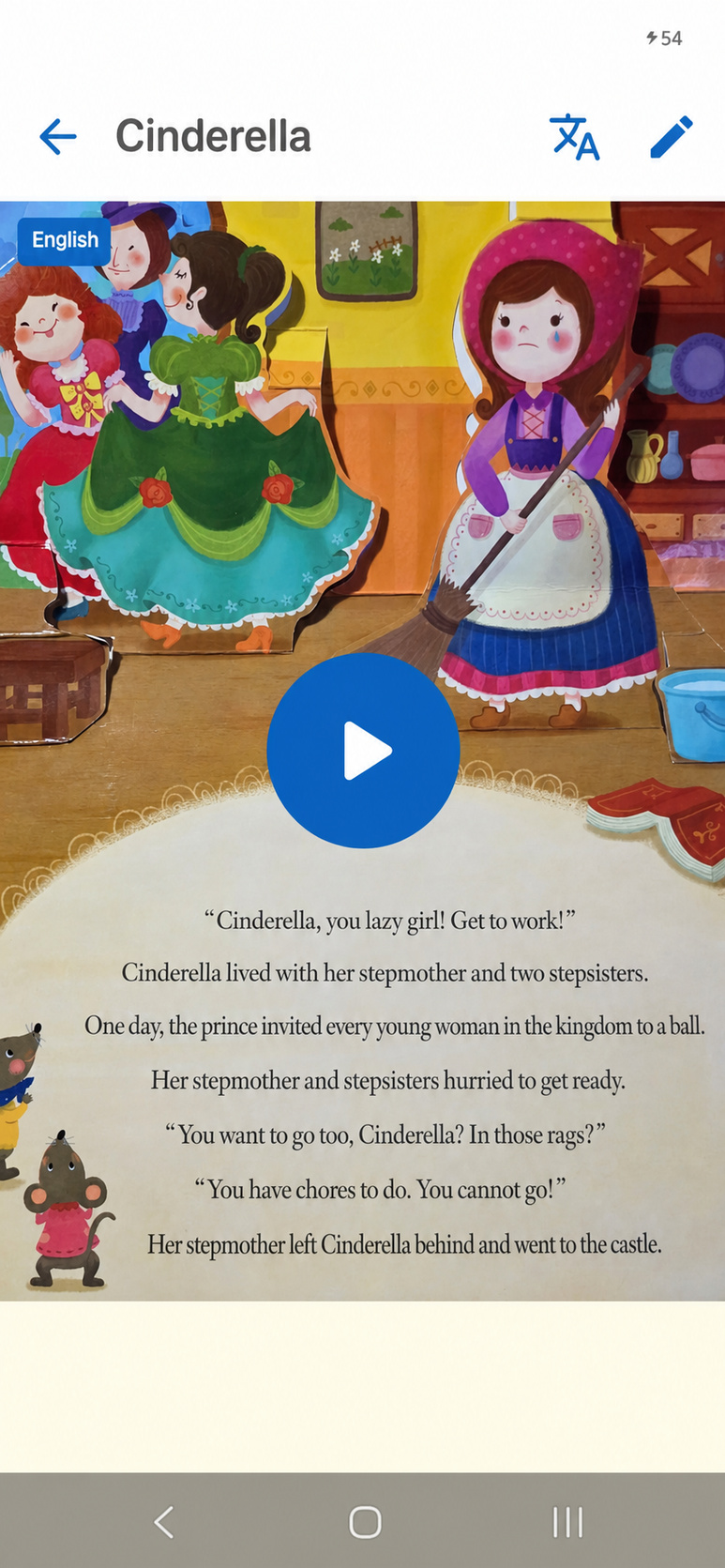
- Tap the Chinese character and English translation icon in the upper-right corner of the book screen.
- The story changes to English, and the app plays it with an English voice.
Start English Exposure with a Familiar Story
LazyDaddy is still in its early release stage, so you can try premium features like this for free.
Why not pick the book your child loves most and give it a try? Visit the official page below to get started with LazyDaddy for free.
#EnglishStorybooks #EnglishReadAloud #EnglishAtHome #EnglishEducation #EarlyEnglishLearning #EnglishExposure #KoreanStorybooks #ParentingTips #AIParenting #ParentingApp #AITranslation #ReadingAloud #LazyDaddy